Mastering API Caching in Android: ETag & If-None-Match
Reducing Bandwidth and Improving UX with HTTP Caching
The Cost of Freshness: API Calls Galore
Modern mobile apps thrive on fresh data, often fetched from remote APIs. In our Android app, built with Kotlin and Jetpack Compose, we faced a common challenge: frequent API calls for sections like paginated content feeds. Think of a typical vertical list of stories or posts where users scroll down to load more.
Initially, our approach was straightforward: fetch page 1 on screen entry, fetch page 2 when the user scrolls, and so on. While simple, this led to significant drawbacks: high bandwidth consumption, increased server load (meaning higher costs), and a suboptimal user experience if network conditions weren't perfect or if the user frequently navigated back and forth, triggering redundant fetches.
The core problem? We weren't leveraging the power of HTTP caching.
Attempt #1: Caching with ETags (The Obvious Route)
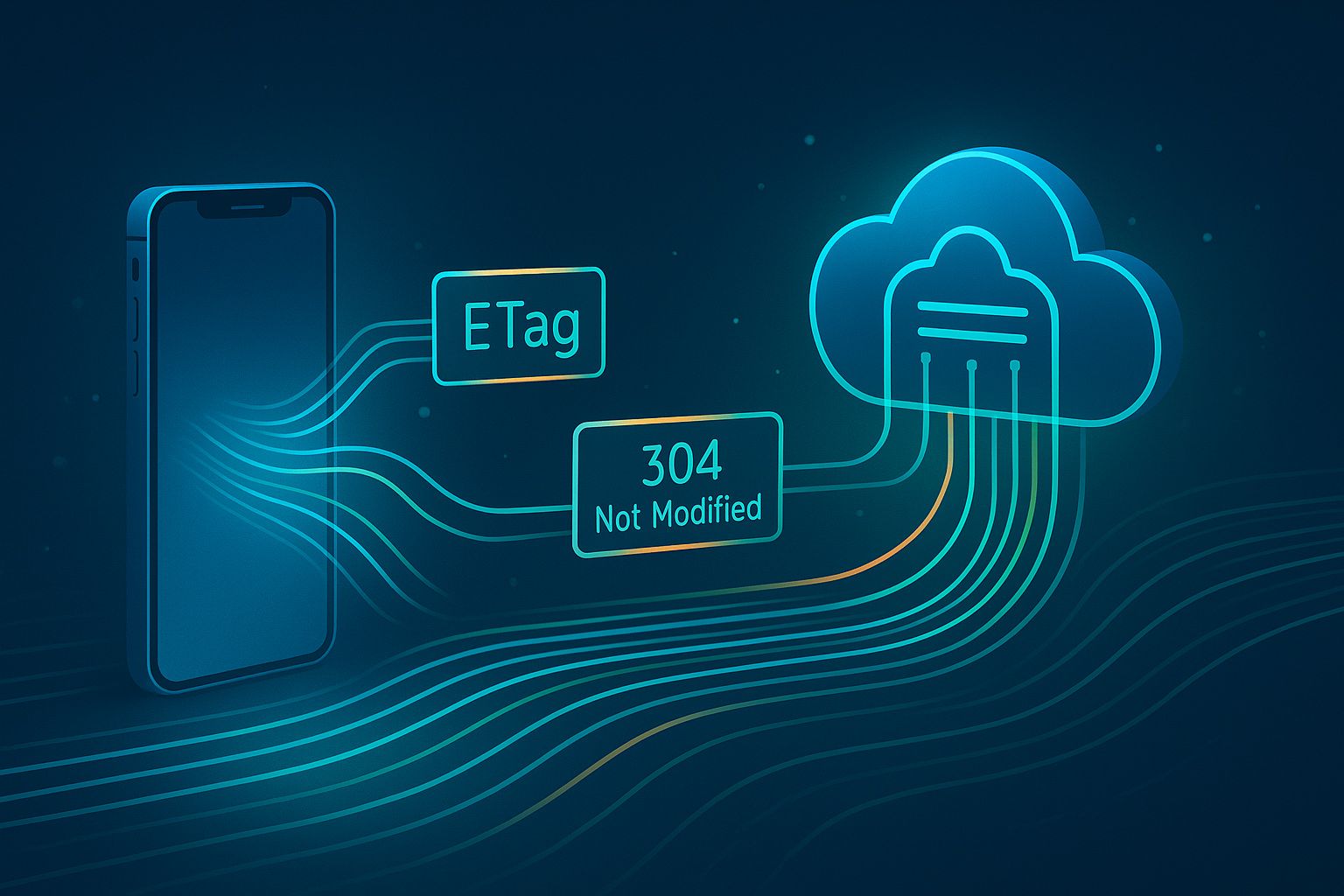
HTTP caching using ETag and If-None-Match headers is a standard way to tackle this. The server includes an ETag (entity tag) header in its response, representing a specific version of the requested resource (e.g., page 1 data). When fetching again, the client includes this ETag in an If-None-Match request header. If the data hasn't changed, the server responds with a lightweight 304 Not Modified status, telling the client to use its cached version. Only if the data *has* changed does the server send back the full new data (a 200 OK) along with a *new* ETag.
Our first plan involved implementing this per page:
- User opens feed -> Fetch Page 1 -> Server responds with data + ETag1 -> Cache Page 1 data + ETag1.
- User leaves and returns -> Check cache for Page 1 -> Fetch Page 1 with
If-None-Match: ETag1. - If server returns 304 -> Use cached Page 1 data.
- If server returns 200 -> Use new data, update cache + new ETag.
- Repeat for Page 2, Page 3, etc.
The Pitfall: Prepending New Items
This seemed solid, until we considered how our specific feed worked: **new stories were always added to the *top* of the feed (Page 1)**. This meant adding a single new story would shift *every single existing story* to a different position on a different page. A story previously on Page 1 might now be on Page 2, and one from Page 2 on Page 3.
The consequence? Adding one new item effectively changed the content of *all subsequent pages*. Even if the user had Pages 1, 2, and 3 cached, requesting Page 1 with its old ETag would (correctly) result in a 200 OK with new data and a new ETag. But then, requesting Page 2 with *its* old ETag would *also* likely result in a 200 OK because its content had shifted. This invalidated our entire cache strategy, forcing re-downloads even for data the user technically already had, just at a different index.
The Solution: Stable Pages & Backward Pagination
The key insight was to change how the backend handled pagination and how the client requested it. We needed pages to be more stable once generated.
- Backend Change: Instead of Page 1 always being the newest, Page 1 became the *oldest* stable page. New items create *new, higher-numbered pages* at the 'top'. So, if Page 5 was the latest, adding new items creates a Page 6. Page 5's content (and thus its ETag) remains unchanged.
- Client Change (Initial Load): When the user first opens the feed (no specific page requested), the client makes a request for the 'latest'. The backend responds with the content of the highest-numbered page (e.g., Page 6) and includes both the data and the *current page number* (6) in the response.
- Client Change (Loading More): To load older items ('scroll down'), the client now requests
currentPage - 1(e.g., requests Page 5, then Page 4, etc.).
This way, cached pages (like Page 4, 3, 2, 1) remain valid even when new content is added to Page 6, 7, 8, etc. The ETag mechanism now works effectively, only triggering full downloads for pages whose content has genuinely changed (or for the very latest page).
Implementation Snippets
Here’s a conceptual look at how this can be implemented using Ktor Client, a data mediator/repository, and Kotlin Flow.
Ktor API Client: Sending If-None-Match
The API client function needs to conditionally add the header:
suspend fun getItemsPage(
    pageNumber: Int?, // Null for 'latest'
    eTag: String?
): PaginatedData? {
    val response = client.get {
        url {
            // ... configure base URL ...
            encodedPath = "/items"
            pageNumber?.let { parameter( "page", it) }
            // Other parameters like compression...
        }
        // Conditionally add the header
        eTag?.let { header(HttpHeaders.IfNoneMatch, it) }
    }

    if (response.status == HttpStatusCode.NotModified) {
        Log.d( "API", "304 Not Modified, use cache for page: ${pageNumber ?: "latest"} / ETag: $eTag" )
        return null // Indicate cache should be used
    }

    if (response.status.isSuccess()) {
        val newETag = response.headers[HttpHeaders.ETag]
        Log.d( "API", "Received 200 OK with new ETag: $newETag" )
        val body = response.body<ItemDto>() // Assuming JSON deserialization
        // Backend now includes current page number if pageNumber was null
        val currentPage = response.headers[ "X-Current-Page" ]?.toIntOrNull() ?: pageNumber ?: 1
        return PaginatedData(
            items = body.items, // Map DTO if needed
            currentPage = currentPage,
            nextPageToRequest = if (currentPage > 1) currentPage - 1 else null, // Calculate next page (older)
            eTag = newETag?.removeSurrounding( "\"" ) // Clean ETag
        )
    } else {
        Log.e( "API", "API Error: ${response.status}" )
        return null // Or throw exception
    }
}
Data Mediator/Repository: Orchestrating Cache & Network
A mediator class handles the logic of checking cache, using ETags, and saving results:
@Inject class ItemRepository(
    private val apiClient: ApiClient,
    private val cacheManager: CacheManager, // Handles file/SP operations
    private val connectivityChecker: ConnectivityChecker
) {
    fun getItems(pageToRequest: Int?): Flow<Resource<PaginatedData>> = flow {
        emit( Resource.Loading() )

        val isInitialLoad = pageToRequest == null
        val cacheKey = pageToRequest?.toString() ?: "latest" // Key for 'latest' or specific page
        val cachedData = cacheManager.loadFromCache(cacheKey)
        var savedETag = cacheManager.getETag(cacheKey)

        if (connectivityChecker.isOffline()) {
            if (cachedData != null) emit( Resource.Success(cachedData) )
            else emit( Resource.Error( "Offline and no cache" ) )
            return@flow
        }

        // Force fetch if cache is empty for a specific page request
        if (!isInitialLoad && cachedData == null) {
            savedETag = null
            cacheManager.clearETag(cacheKey)
        }

        try {
            // Request 'null' for latest, or specific page number
            val networkResponse = apiClient.getItemsPage(pageToRequest, savedETag)

            if (networkResponse == null) { // Indicates 304 Not Modified
                if (cachedData != null) {
                    emit( Resource.Success(cachedData) )
                } else {
                    // Handle defensively: 304 but no cache?
                    if (isInitialLoad) { // Try full fetch on initial load failure
                         val freshResponse = apiClient.getItemsPage(null, null)
                         if (freshResponse != null) { /* ... handle success ... */ } else { /* emit error */ }
                    } else {
                        emit( Resource.Error( "304 but no cache for page $pageToRequest" ) )
                    }
                }
            } else { // Got 200 OK with new data
                emit( Resource.Success(networkResponse) )
                // Use the actual returned page number as the key
                val keyToSave = networkResponse.currentPage.toString()
                cacheManager.saveToCache(keyToSave, networkResponse)
                networkResponse.eTag?.let { cacheManager.saveETag(keyToSave, it) }
                // If initial 'latest' load, update 'latest' cache too
                if (isInitialLoad) {
                    cacheManager.saveToCache( "latest", networkResponse)
                    networkResponse.eTag?.let { cacheManager.saveETag( "latest", it) }
                }
            }
        } catch (e: Exception) {
            Log.e( "REPO", "Error fetching items: ${e.message}" )
            if (cachedData != null) emit( Resource.Success(cachedData) ) // Fallback
            else emit( Resource.Error( "Network error, no cache" ) )
        }
    }
}
ViewModel & Paginator Integration
The ViewModel uses a Paginator class to manage loading states and trigger repository calls:
@HiltViewModel
class FeedViewModel @Inject constructor(
    private val itemRepository: ItemRepository
) : ViewModel() {

    private val _state = MutableStateFlow( FeedScreenState() )
    val state = _state.asStateFlow()

    private val paginator = DefaultPaginator<Int?, Resource<PaginatedData>>(
        initialKey = null, // Start by requesting 'latest'
        onLoadUpdated = { isLoading -> _state.update { it.copy(isLoading = isLoading) } },
        onRequest = { nextPageKey ->
            // Request null for initial, or the page number otherwise
            itemRepository.getItems(nextPageKey)
        },
        getNextKey = { currentDataResource ->
            // Extract next page number (page - 1) from the success data
            (currentDataResource as? Resource.Success)?.data?.nextPageToRequest
        },
        onError = { errorMsg -> _state.update { it.copy(error = errorMsg, isLoading = false) } },
        onSuccess = { resource, nextKey ->
             val successData = (resource as Resource.Success).data
             _state.update { currentState ->
                 val currentItems = if (successData.currentPage == state.value.lastLoadedPage) {
                     currentState.items // Avoid duplicating page if retried
                 } else {
                     currentState.items + successData.items
                 }
                  currentState.copy(
                      items = currentItems,
                      lastLoadedPage = successData.currentPage,
                      nextPageKey = nextKey, // Store the key for the *next* request (older page)
                      endReached = (nextKey == null), // End reached if next page is null
                      isLoading = false,
                      error = null
                  )
              }
         }
    )

    fun loadNextItems() {
        viewModelScope.launch { paginator.loadNextItem() }
    }

    init {
        loadNextItems() // Initial load
    }
}
Key Benefits Achieved
- Reduced Bandwidth & Server Costs: Significantly fewer full data transfers thanks to 304 responses.
- Improved User Experience: Faster load times when data is cached, smoother scrolling, and better offline support.
- Handles Prepending Data: The 'latest page first, paginate backward' strategy effectively handles feeds where new items appear at the top without invalidating older cached pages.
- Robust Offline Support: Users can still see previously loaded pages when offline.
Relevant Technologies & Keywords
This implementation leverages several key concepts and technologies:
Conclusion
Implementing effective HTTP caching using ETags requires understanding both the protocol and the specific data patterns of your application. While the standard per-resource ETag approach is powerful, adapting the pagination strategy was key to making it work efficiently for our prepend-heavy feed. By fetching the latest data first and paginating backward, we built a robust caching system that significantly improved performance and reduced costs.
Consider analyzing your own app's data access patterns and API behavior to see if a similar caching strategy could benefit your users and your bottom line.